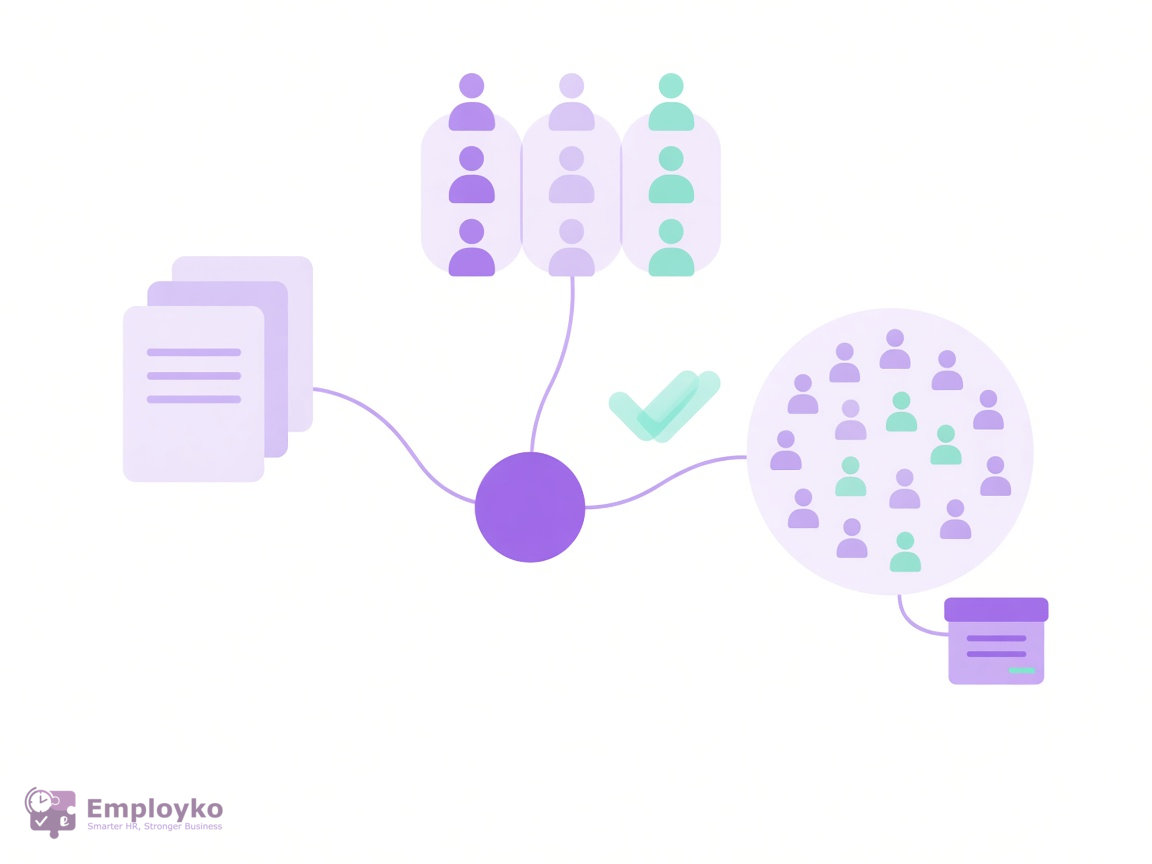
Today the Employko Expenses module is live, so claims, approvals, and budgets sit together in one HRIS. A claim keeps the amount, the date, the category, an optional campaign, and an optional receipt, then follows the approval rule that matches that amount.
The usual gap is a missing trail. Someone photographed a receipt, someone else asked who should approve it, and finance still cannot see which claims are approved and which are already paid. Expenses keeps that sequence on one record.
What the Expenses module includes
- Claims — title, amount, expense date, category, optional campaign, and an optional receipt
- Categories — a currency, an approval policy, and optional per-claim and monthly limits
- Campaigns — a date window, an optional budget cap, and an audience of everyone or selected people, departments, teams, and locations
- Amount-based approvals — bands that auto-approve or require steps in order: direct manager, a named person, an expense manager, or the campaign owner
- Paid status — expense managers and admins mark approved claims as paid
- Reports — spend by employee in the payment currency, plus an optional reporting currency converted on the expense date
How Expenses approvals and limits work
A claim uses the category policy. When it is filed under a campaign that has its own policy, that campaign policy applies instead. Bands cover the full amount range, so a small claim can be auto-approved while a larger one waits for people in sequence.
If a step has no manager, the approver is deactivated, or the approver is the person who submitted the claim, that step is skipped. A rejection returns the claim to the submitter.
Per-claim limits, monthly limits, and a campaign budget cap do not block submission. They raise a warning, and the approver confirms the exception before the claim can be approved. A receipt can be attached. It is not required to submit.
Currencies and what finance sees
The category sets the currency used for limits and approval bands. A campaign can set its own currency, and claims under that campaign use it for the budget as well. If the employee enters another currency, Employko converts the amount with the rate on the expense date.
Reports keep the payment currency as the source of truth. You can also view totals in a reporting currency. The reports screen defaults that choice to EUR and converts each claim on its expense date. Payable totals are grouped by employee and currency. Campaign budget progress stays in the campaign currency.
Who Expenses is for
It is for HR and finance teams that reimburse travel, client costs, or team budgets and want the request, the decision, and the paid mark in one place. Employees submit from the same system they already use for leave and documents. Managers approve what is waiting for them. Expense managers see every claim, campaign spend, and the reports.
When the next expense still starts as a photo in chat, the missing piece is a shared process. That is what the Expenses module is built to hold.
More about the module is on the Expenses page. To see how a claim moves through your own approval rules, request a demo.